

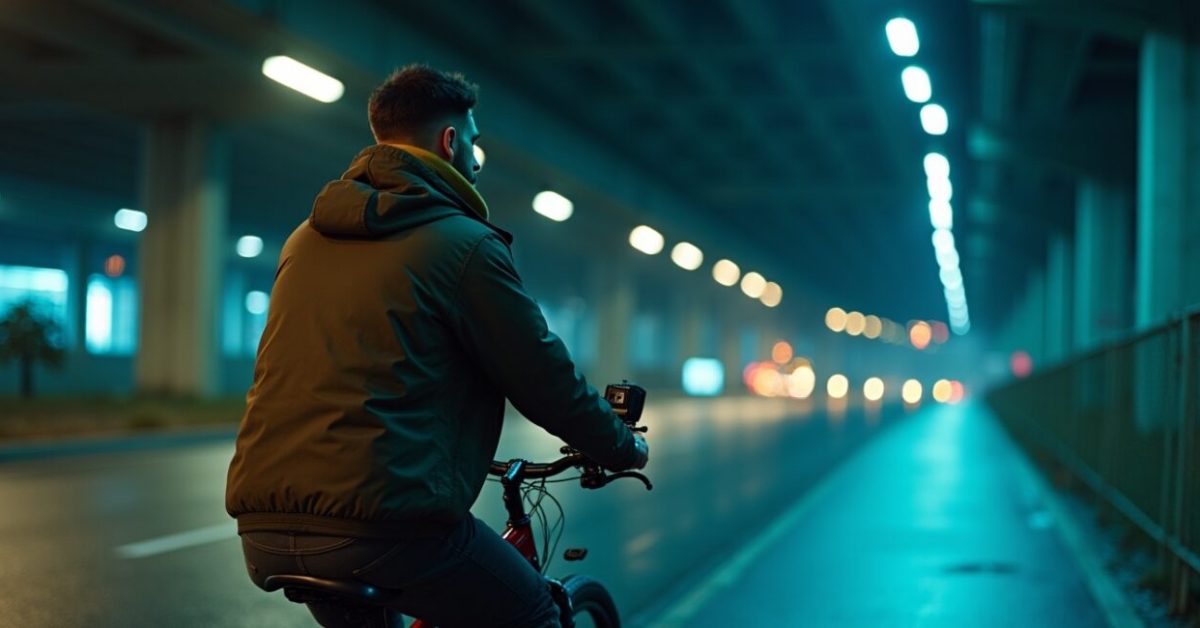

It looks like magic: footage shot after sunset that glides like daytime cinema. That’s the promise of the latest night stabilization systems—smoother pans, steadier rides, and usable clips from conditions that used to be garbage. But the trade-off is real: many shooters report a noticeable loss of sharpness and texture. If you scroll past, you’ll miss why this trend is dividing action cam users and creators alike.
The Bold Claim Nobody Expected: Buttery Smooth Night Footage
Manufacturers say the new night stabilization turns handheld dusk footage into watchable cinema. In practice, the algorithm combines longer exposures, motion prediction, and multi-frame blending to reduce jitter. The first reward arrives instantly: clips that used to look like a vibrating mess now feel calm and intentional. For quick social posts and POV rides, that’s gold—but the method leans hard on temporal smoothing, which is where the debate begins.
The Mechanism That Nobody Explains Fully (and Why It Blurs Detail)
At its core, night stabilization sacrifices per-frame crispness for inter-frame coherence. Think of it as averaging multiple slightly different frames to eliminate motion; the result is a softer composite. That softening is not a bug—it’s a design choice. Examples: fixed stars smear, fabric texture loses edge contrast, and high-frequency details vanish. The trick is clever for motion, detrimental for fine detail. This is also why cameras with larger sensors or faster lenses react differently under the same algorithm.
Before/after That Will Make You Pick Sides
Here’s a comparison anyone can test in minutes: record a night bike ride with stabilization off, then on. Expect:
- Off: grainy, shaky, but textures and light points stay separate.
- On: silky motion, fewer jitters, but highlights bloom and textures soften.
Expectation vs. reality: you gain motion polish and lose micro-contrast. That trade-off is the single clearest reason some creators embrace it and others disable it by default.
Who Benefits Most — And Who Shouldn’t Touch It
Night stabilization isn’t universally good or bad. It’s perfect for:
- Action POV clips where motion ruins the shot.
- Content for fast social consumption (Reels, Stories).
- Users without gimbals or large sensors.
Don’t use it when you care about astrophotography, cinematic detail, or product shots with textures—there, every bit of sharpness matters. If you’re preserving footage for grading, shoot with stabilization off and fix the shake in post with careful warping or optical-flow tools.
Three Common Mistakes People Make with Night Stabilization
- Relying on stabilization and ignoring ISO/exposure: You still need proper exposure to avoid aggressive noise reduction.
- Overcompressing the stabilized file immediately: the algorithm’s smoothing + a low bit rate ruins highlight and shadow information.
- Assuming stabilization fixes framing errors: it reduces shake, not framing mistakes—recompose during shooting.
Avoid these and you’ll keep more of the good stuff while enjoying the smoother motion.
Mini Story: The Race Footage That Changed My Mind
Last month I followed a friend on a night trail run—headlamps, narrow singletrack, bad light. Early clips were unusable: blur and micro-shake killed the pace. We flipped on the camera’s night stabilization mid-ride. Suddenly the footage had rhythm; you could read the runner’s footfall. But when we paused to inspect the clips on a monitor, the shoe tread and gravel texture were gone—smoothed into a flat plane. I still used those clips for a highlight reel, but kept the un-stabilized takes for slow-motion detail shots.
How to Decide: Prioritize Stabilization or Detail?
Make this choice deliberately. Ask: Is motion the story, or is texture? If motion is the message—riding, running, driving—favor stabilization. If you need fine detail—architecture, night portraits, stars—favor sharpness. A pragmatic combo: shoot with stabilization off for critical scenes and on for run-and-gun footage. Also consider shooting at the highest bitrate and keeping raw or log modes when available; that preserves information you can rescue in the edit.
For further reading on sensor behavior and low-light capture, see analysis from camera labs and academic sources that explore multi-frame fusion and noise reduction: research on image fusion and a deep dive into algorithmic sharpening at imaging science portals.
Night stabilization is not a cure-all. It’s a stylistic tool—powerful, opinionated, and situational. Decide what you value before you hit record.
Will Night Stabilization Make My Footage Unusable for Editing?
Not necessarily. Night stabilization smooths motion and reduces jitter, which often makes clips more usable in quick edits and social posts. However, it also blends frames and lowers micro-contrast, making heavy color grading or detail-centric postwork harder. If you plan extensive edits—stabilize selectively or shoot duplicate takes (one stabilized, one raw). That way you preserve a high-detail source for colorists while still having ready-to-use clips for faster workflows.
Does Night Stabilization Increase Battery Drain or Processing Time?
Yes. Night stabilization relies on additional sensor reads, real-time frame analysis, and more aggressive image processing, which draws more power and sometimes increases encoding time. Expect shorter battery life during prolonged stabilized night shoots, and check whether your camera heats up under sustained processing. To mitigate, carry spare batteries, drop resolution for long runs, or use external power when available. Proper heat management and power planning keep the feature usable in the field.
Can I Get Sharp Results by Adjusting Camera Settings with Stabilization On?
To an extent. Lowering ISO, using wider apertures (when lens options allow), and shooting at higher frame rates can help preserve detail because the algorithm has cleaner input frames. Increasing bitrate and choosing a flatter picture profile also retain more information through the smoothing process. Still, the inherent temporal blending will soften micro-details; these adjustments mitigate but won’t fully eliminate the trade-off between motion stability and per-frame sharpness.

Is Software Stabilization in Post Better Than In-camera Night Stabilization?
Often, yes—but with caveats. Post-processing tools like optical-flow stabilizers can rescue shaky footage without the aggressive multi-frame blending typical of in-camera night modes, preserving more detail. The catch: post stabilization requires time, computing power, and a higher-quality source file; it can introduce artifacts if the motion is severe. For run-and-gun creators who need speed, in-camera night stabilization is more convenient; for careful productions, post-stabilization yields more control and often better detail preservation.
Should I Upgrade My Gear to Benefit from Night Stabilization?
Not automatically. Newer cameras implement improved algorithms and larger sensors that make night stabilization more effective, but the core trade-off remains. Upgrading helps if your current device lacks processing power, or if you need better low-light sensitivity and dynamic range. Otherwise, evaluate your workflow: can you shoot duplicates (stabilized and unstabilized) or use accessories like gimbals and faster lenses? Often workflow changes deliver more practical benefits than a full hardware upgrade.