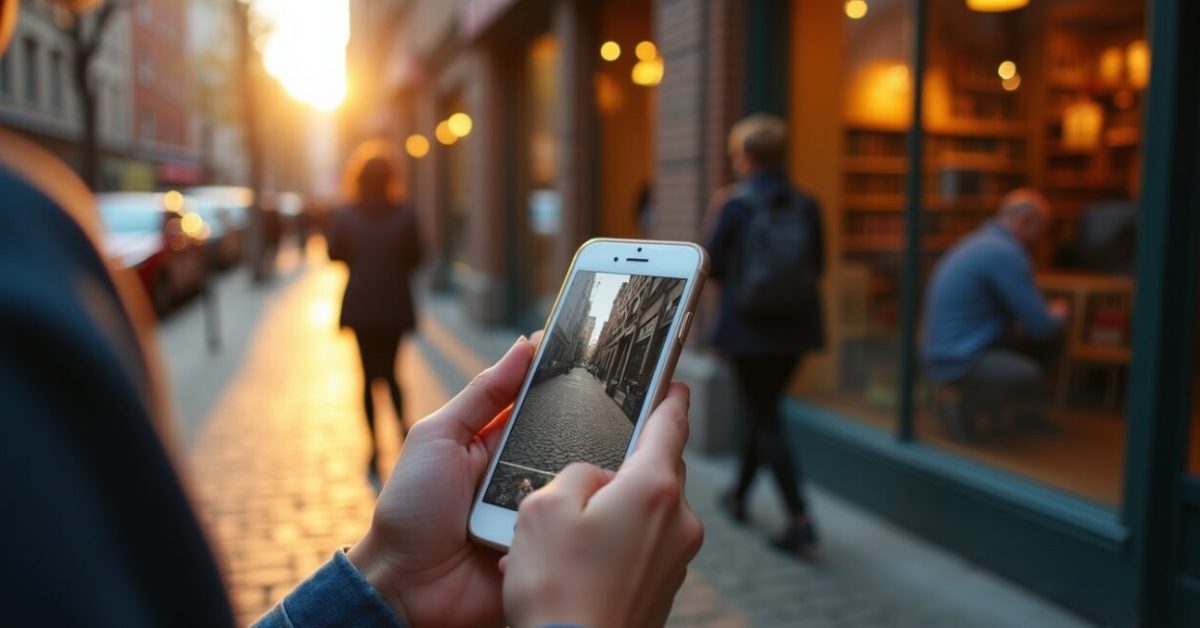

Right in the middle of a scroll, you see a photo of a sunlit storefront with people milling around — and you stop. That’s the power of Google Maps when it’s used like a storefront window, not just a map pin. For photographers, Google Maps and Business Profile can turn casual browsers into booked clients if you know which photos to upload, how to geotag, and what to post and reply to. This is about turning attention into appointments, not vanity metrics.
The Signal Every Local Client Notices First
High-quality, recent photos on your Business Profile are the single biggest trust signal for nearby clients. A crisp portfolio shot of a studio, a candid portrait from a recent session, and a behind-the-scenes lighting setup tell a visual story faster than any paragraph. Most photographers ignore seasonal updates: swap in winter, spring, and evening images to match what clients are searching for. That small habit increases clicks from Maps by a visible margin — people pick photographers who look like they know the light where they live.
How to Name and Geotag Photos So Google Shows You to Nearby Searchers
Metadata matters. Before upload, export images with descriptive filenames (e.g., “downtown-portrait-session-spring.jpg”) and add precise GPS coordinates that match your studio or common shoot locations. This reduces ambiguity for Google and aligns your images with local intent. Use consistent place names in captions and the Business Profile description. When someone searches “portrait photographer near me,” those signals nudge Maps toward you — it’s the difference between being a suggestion and being the obvious choice.
The Photo Upload Strategy That Converts Views Into Bookings
Don’t dump your portfolio all at once. Think of uploads like a drip campaign: mix hero images (your best work), context shots (clients interacting), and location cues (signage, neighborhood landmarks). Aim for weekly additions if possible. Fresh, varied photos keep your pin in front of prospective clients and create micro-conversions — a click to your profile, a look at your pricing, a call button tap.
- Week 1: Signature portrait — studio lighting
- Week 2: On-location lifestyle shot — local landmark
- Week 3: Behind-the-scenes — gear and interaction
- Week 4: Completed gallery — client testimonial image
Local Posts That Actually Push People to Book
Think less “announcement” and more “invitation.” Local Posts on your Business Profile should solve immediate client questions: “What’s your availability for weekend shoots?” “Any newborn packages this month?” Use a photo, a clear call-to-action, and a limited-time incentive. Keep them short and benefit-focused. Posts that say “New mini-sessions this Saturday — 10 slots, book via link” perform far better than vague promos. Track which posts lead to clicks and repeat the winners.
Reviews: The Conversational Gold That Sells Confidence
Reviews are the social proof that seals the deal. But the art isn’t just collecting stars — it’s shaping conversations. Ask clients for specific details (“Could you mention lighting, punctuality, or how you felt about image delivery?”) and respond to every review within 48 hours. One thoughtful reply can be read by hundreds of future clients and can convert a “maybe” into a “booked.”
- Ask at peak satisfaction moments (on delivery)
- Request specifics to guide future readers
- Reply with personality and a call to action
Common Mistakes Photographers Make on Maps (and What to Avoid)
Most photographers sabotage their presence with predictable errors. Here are the top offenders and how to fix them:
- Stale photos: Old images from years ago — update quarterly.
- No location precision: Wrong pin = missed local searches — geotag accurately.
- Generic captions: Vague captions don’t help discovery — use descriptive, localized text.
- Ignoring reviews: No replies looks like indifference — respond to every review.
- Over-polished feeds: No behind-the-scenes = less trust — mix in human moments.
A Small Experiment That Multiplied Bookings for One Photographer
She swapped three studio hero shots for a mix: a sunrise engagement at the pier, a candid coffee-shop portrait, and a neon-lit evening couple shot — each with precise geotags and specific captions naming the neighborhood. Within six weeks her Business Profile views increased by 40% and direct booking inquiries doubled. The before/after is stark: before looked like a closed portfolio, after felt like an invitation to experience a moment. That tiny shift — locality + variety — changed her pipeline.
For credibility, check how local search behavior is changing in industry reports and guidelines. Google Business Profile Help explains technical requirements for images and posts, and research from reputable local-search studies shows how fresh content influences click-through rates, such as reports from Moz and BrightLocal. For broader context about local commerce trends, see U.S. Small Business data.
Maps isn’t magic — it’s a window. Fill that window with scenes that make locals imagine themselves in your frames, and they’ll step through the door.
How Often Should I Upload New Photos to My Business Profile?
Upload at least one new image every week to keep your profile fresh and competitive. Weekly updates signal activity to both users and Google, and they give potential clients repeated reasons to check your work. Alternate between hero shots, behind-the-scenes, and location-specific images so your profile tells a complete story. If weekly is unrealistic, aim for biweekly with consistent geotagging and descriptive captions; irregular bursts are less effective than steady, deliberate updates.
What’s the Best Way to Ask Clients for Reviews on Google Maps?
Ask right after delivering a finished gallery when the client is happiest; make the ask personal and specific. Mention one thing you appreciated about the shoot — that primes them to write a detailed review. Provide a short direct link to your Business Profile to remove friction. Consider sending a gentle follow-up reminder one week later. Always thank reviewers publicly and mention specifics from their review to show authenticity. This increases the chance others will convert from reading those reviews.
Do Geotags Really Influence Search Rankings on Google Maps?
Yes, geotags help clarify location intent for Google and connect your images to local searches. Accurate GPS coordinates, neighborhood names in captions, and consistent address information across your profiles reduce ambiguity and strengthen local relevance. Geotags alone won’t guarantee top placement, but combined with fresh photos, positive reviews, and an optimized Business Profile, they significantly improve the chance of being surfaced to nearby clients actively searching for photographers.
Which Types of Photos Drive the Most Bookings?
Photos that show real people, real moments, and clear context perform best. Prospective clients want to visualize themselves in your work: portraits with natural expressions, behind-the-scenes interaction, and images that include local landmarks or recognizable settings. Technical excellence helps, but relatability converts. Include a mix of hero portfolio pieces, candid session snaps, and a few lifestyle or environmental shots so different searchers can see the kind of experience you offer and feel confident clicking to book.
How Should I Use Local Posts to Promote Mini-sessions or Special Offers?
Use Local Posts for short, urgent calls-to-action: headline the offer, include one compelling photo, list the benefit (time, price, limited slots), and add a direct booking link. Keep the copy tight and deadline-driven — scarcity moves quick decisions. Post twice in the lead-up: once at announcement and once as a reminder. Measure which posts lead to clicks and bookings, then double down on the formats that work. Avoid vague promos; specifics create conversions.