

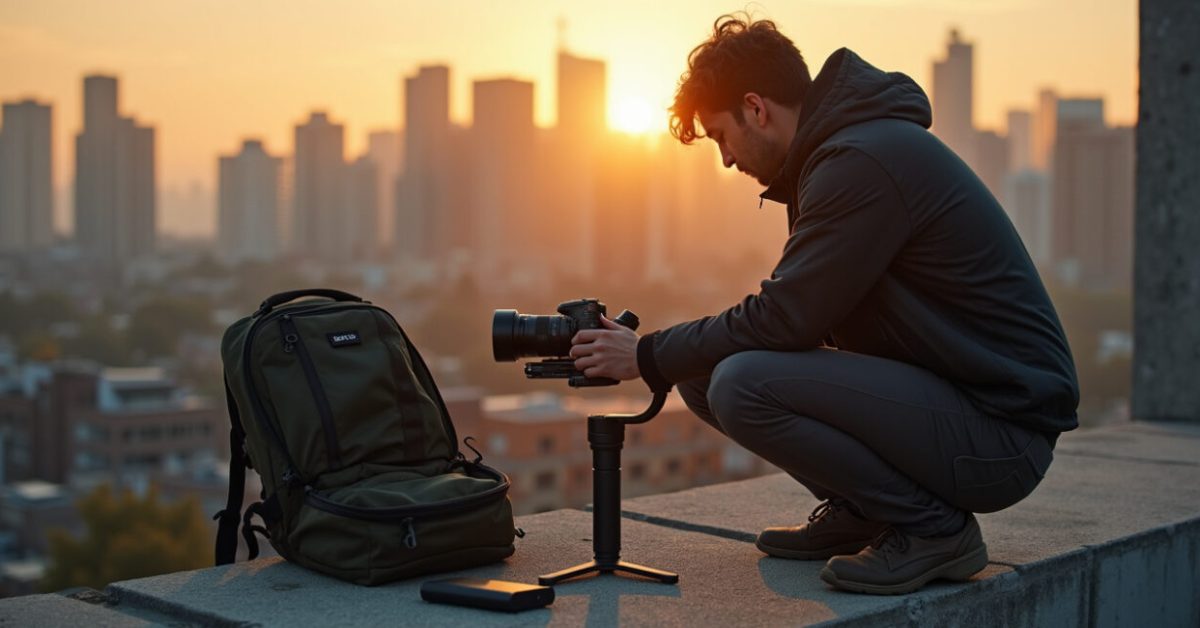

The sun was setting, the city lights were waking up, and my camera died halfway through the tracking shot. That empty moment — lenses on, vision ready, battery gone — is why you care about a gimbal battery. You want solutions that fit in a daypack, not a professional power rig. Below are practical, field-tested strategies to keep your gimbal battery alive during long solo travel shoots.
Why a Single Spare Won’t Save Your Day
Relying on one spare gimbal battery is the most common mistake I see. It feels safe until both the spare and the main die because of temperature, age, or a bad charge. A gimbal battery’s real-world runtime depends on payload, motors, and settings. In cool weather or with heavier cameras, runtime drops fast. For travel shoots you need redundancy: multiple small sources, smarter charging, and habits that extend each charge. Treat the gimbal battery like fuel — plan consumption, not hope.
How to Use Power Banks the Right Way
Power banks are the simplest endurance multiplier for your gimbal battery. But not all banks work equally. Look for PD (Power Delivery) or QC (Quick Charge) output that matches your gimbal’s voltage and current. A 20,000 mAh USB-C PD bank can top up many modern gimbal batteries between shots. Keep a lightweight adapter cable and an inline USB-C amp meter if you want to be precise. Charge strategy: top up frequently in short bursts rather than waiting until empty.

Hot-swap Techniques That Don’t Ruin Your Shot
Hot-swapping batteries can save you minutes — if you do it smartly. The cleanest method: keep the gimbal balanced on a small tripod or your shoulder, switch quickly, and re-calibrate only if the motors twitch. If your gimbal supports external power via USB-C, use a power bank with a cut-off switch to mimic a battery swap. Practiced hands can change a battery in under 20 seconds. Practice at home until it’s muscle memory — the first time on set is the worst time to learn.
Settings That Steal Least from Your Gimbal Battery
Settings matter more than you think for gimbal battery life. Reduce motor strength when shooting with lighter rigs. Turn off follow modes you don’t need. Lower screen brightness on the gimbal and camera. Use single-axis locks during transport. If your gimbal offers a power-saving mode, use it between takes. Small changes add up: a 10–20% reduction in motor torque can translate into an extra hour on long days. Save power before you’re desperate.
Cheap Gimbals That Punch Above Their Weight on Endurance
Not all inexpensive gimbals are created equal for battery life. A few budget models offer surprisingly good endurance because they use efficient motors and larger internal cells. Think of the contrast like this: a budget gimbal with a 3,000 mAh cell and efficient firmware can outlast a premium model running high-torque motors for heavy payloads. Recommended mids: look at recent reviews for runtime tests and user reports. Below are the things to compare rather than price alone:
- Battery capacity (mAh) and type
- Motor efficiency and calibration options
- External power input availability (USB-C PD)
- Actual user runtime under similar payloads
Common Mistakes That Drain Your Battery Fast
A short list of what to avoid will save hours in the field.
- Leaving Wi‑Fi or Bluetooth on when not needed.
- Running motors at max strength for stabilization when unnecessary.
- Charging to 100% every time — full charge stress shortens cell life.
- Ignoring firmware updates that fix power bugs.
- Carrying only one type of power source (e.g., only batteries, no power bank).
Fix these five and you’ll be amazed how much longer a gimbal battery lasts across a trip.
Field Kit Checklist: Exactly What to Carry
Carry less, but carry the right things. Pack: two spare gimbal batteries, one 20,000 mAh USB-C PD power bank, a USB-C to gimbal cable, a small tripod or monopod for safe hot-swaps, and a soft pouch for balance tools. Add a compact charger that can handle multiple battery types if you’ll be stationary for a few hours. This kit covers most travel scenarios without adding bulk. Think modular: slots for quick access beats digging through a full backpack.
Comparison—expectation vs reality: many photographers assume heavy rigs need heavy backup. Reality: with a proper power bank and smart settings, you can shoot longer with a lighter kit and fewer batteries. That’s efficiency, not compromise.
For technical reference on battery safety and transport, consult airline rules and battery guidelines from authorities. For best practices on lithium battery care, see the U.S. Consumer Product Safety Commission’s advice and the FAA rules for carry-on lithium batteries. U.S. Consumer Product Safety Commission and Federal Aviation Administration offer clear rules about limits and packaging.
Try one change tomorrow: swap your charge habit. Charge to ~90% before a day out, carry a PD power bank, and drop motor strength by one notch. You’ll get more usable time and fewer dead-camera panic moments.
Closing Provocation
Battery planning separates the amateur from the pro on travel shoots. If you want reliable days, make power a ritual, not an afterthought. Your next great shot depends on that choice.
How Long Will My Gimbal Battery Last with My Camera Attached?
Runtime varies a lot: payload weight, motor settings, temperature, and firmware all change the number. Lighter payloads and lower motor strength extend run time. As a rule of thumb, a 2–3 kg setup on a modern consumer gimbal will run 6–10 hours in low-power modes and 2–4 hours under heavy use. The best approach is to test your specific setup: record continuous runtime once at home with the same lens and settings you use in the field. That gives a realistic baseline.
Can I Use Any USB-C Power Bank to Charge My Gimbal Battery?
Not all USB-C banks are equal. Your power bank must support the voltage and protocol your gimbal uses — typically Power Delivery (PD). A 20,000 mAh USB-C PD bank is versatile, but check current output (amps) and voltage. Some gimbals won’t accept charging while balancing, or they may require a specific cable. Use a bank with pass-through or an inline switch if you need to mimic a battery swap. Always use quality cables and a small USB-C amp meter if you want to verify charging rates.

Is It Safe to Keep My Spare Batteries in Checked Luggage During Travel?
No. Airlines and safety agencies strongly advise keeping lithium batteries in carry-on luggage only. Checked luggage subjects batteries to pressure, temperature changes, and delayed access in case of problems. The FAA and most civil aviation authorities require batteries above a certain watt-hour rating to be carried in the cabin and often limited to a specific number per passenger. Always check your airline’s current rules before flying to avoid confiscation or surprises at the gate.
How Do Firmware Updates Affect Gimbal Battery Life?
Firmware can significantly change battery behavior. Updates often include motor control tweaks, power-management fixes, and bug patches that either improve or, rarely, worsen runtime. Users have reported multi-hour improvements after efficient PID tuning and power optimization updates. Always read the release notes and community feedback before updating mid-trip. If an update introduces a power issue, you can often revert, but that takes time. Best practice: test major firmware updates at home before relying on them on location.
What’s the Best Charging Routine to Maximize Battery Lifespan?
The healthiest routine avoids extremes. Charge to around 80–90% for daily use and store batteries at about 40–60% if you won’t use them for weeks. Avoid full 100% cycles constantly, and don’t let batteries sit fully drained for long. Temperature matters: store and charge at moderate room temperature. Rotate your spares so no single cell bears all the cycles. These habits extend the life of your gimbal battery and reduce the chance of sudden failures during a trip.