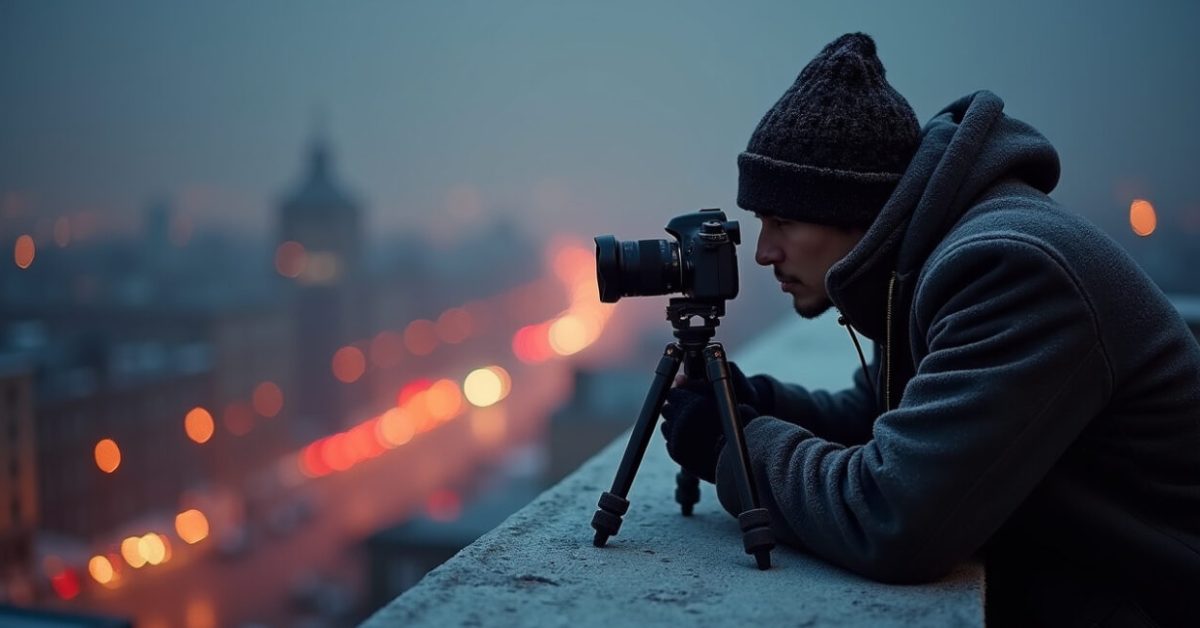

City lights blur into streaks. A lone tripod bakes under cold air. You fumble with dials and still miss the shot. This is where exposure settings stop being a guess and start being a tool. Read on and you’ll get five exact shutter, aperture, and ISO combos for the most common night scenes—plus the why behind each choice—so you stop burning time on trial and error.
The Five Exact Exposure Settings You Can Trust Tonight
This is the payoff: five ready-to-use exposure settings for real night scenes. Each combo lists shutter, aperture, and ISO, and explains the trade-off in one sentence. Use them as starting points and tweak ±1 stop only when needed. exposure settings made practical, not theoretical.
- City lights (static skyline, tripod): 8s | f/8 | ISO 100 — crisp highlights, deep starbursts.
- Street scenes with moving cars (light trails): 15s | f/11 | ISO 100 — long trails, limited blowout.
- Star trails (wide field): 30m total using 30s x 60 frames | f/4 | ISO 800 — stack frames to reduce noise.
- Milky Way single exposure (dark site): 20s | f/2.8 | ISO 3200 — tight stars without trailing.
- Light painting (subject lit by handheld): 6s | f/5.6 | ISO 200 — room to paint without overexposing background.
Why These Combos Work — The Simple Physics Behind Each Choice
These exposure settings balance three things: how much light you gather, how much motion you allow, and how much noise you accept. Faster shutters freeze motion but need wider apertures or higher ISO. Smaller apertures give depth and starbursts but demand longer exposure. Picking a combo is choosing which part of the image you refuse to compromise. That clarity makes it faster to adapt on location.

Before/after: The Surprising Difference One Stop Makes
Expectation: change ISO from 400 to 800 and everything gets brighter but noisier. Reality: that single stop can turn a muddy Milky Way into readable, contrasty dust lanes—or ruin city highlights. I once shot a seaside pier at ISO 1600 and lost every lamp to bloom. Dropping to ISO 400 and opening aperture fixed it. This comparison shows why these exposure settings aren’t guesses—they’re targeted trades.
Common Mistakes That Kill Night Photos (and How to Avoid Them)
Most errors come from habits, not ignorance. Stop these fast:
- Relying on auto-ISO with long exposures — it often overshoots and amplifies noise.
- Using open aperture for starbursts — you lose the crisp points in bright cityscapes.
- Skipping a histogram check — the preview lies in low light.
- Not bracketing at least once — one test shot often saves an hour of fiddling.
These traps relate directly to exposure settings choices. Avoid them and you’ll reach the result faster.
The Micro-adjustments That Matter in the Field
On location, use these quick moves to refine any exposure settings combo: change shutter by doubling/halving for light or motion, adjust aperture in one stop for depth or star shape, and tweak ISO last. If highlights clip, reduce shutter; if noise dominates, lower ISO and lengthen exposure while stopping down aperture only if depth is needed. These rules keep decisions fast and repeatable.
Tools and Checks That Stop Guessing Tonight
Carry a small checklist: tripod, remote release, lens cloth, and a white card for custom WB. Use live histogram, highlight clipping overlay, and focus peaking if available. For star work, use apps like Stellarium to plan and check darkness. According to National Park Service guidance, planning for sky brightness and moon phase saves many wasted nights. Also see exposure noise guidance from NIST for technical context.
A Mini-story: The Shoot That Taught Me Never to Guess Again
We set up on a rooftop for a skyline shot, confident and sleepy. I started at a random long exposure suggested in a handheld app. The result: blown windows and flat clouds. I switched to one of these exposure settings, checked the histogram, and within two frames had a photo the team fought over. The difference came from method, not luck. That night taught me to trust precise exposure settings over hope.
Now it’s your turn. Pick a combo above, set it, take two quick frames—one for highlights, one for shadows—and decide. The faster you test the less time you waste. Night is short; the right exposure settings make every minute count.
How Do I Choose Between a Long Shutter and High ISO?
Long shutter reduces noise but introduces motion blur; high ISO freezes motion but raises noise. Choose a long shutter when your scene is static or motion can improve the image (light trails, smoothing water). Use higher ISO for single-frame astrophotography or handheld low-light shots. If both are problematic, shoot multiple frames and stack or bracket. The balance depends on subject motion, lens aperture, and how much post-processing you’re comfortable with; start with the provided exposure settings and adjust one element at a time.
Can I Use These Exposure Settings on Any Camera?
Yes—the combos are platform-agnostic but need translation for your gear. Full-frame bodies handle higher ISO better than crop sensors, so you can reduce ISO or shorten shutter on those cameras. Mirrorless and DSLRs share the same rules for aperture and shutter. Lenses with wider maximum apertures let you use shorter exposures or lower ISO. Always test one combo on your camera to see how noise and dynamic range behave before committing to a full shoot.
What If the Highlights Still Blow Out at the Recommended Settings?
If highlights clip, the first fix is to shorten shutter speed or stop down aperture by one stop. If that hurts the composition or motion effect, reduce ISO next. For scenes with extreme dynamic range—bright street lamps and dark shadows—use exposure bracketing and combine frames in post, or use graduated filters where practical. Checking the histogram and highlight overlay will show clipping faster than the rear LCD. Make one adjustment and shoot again; that keeps the process fast.
Is Stacking Necessary for Star Trails or Milky Way Shots?
Stacking is essential for star trails and very helpful for Milky Way images. For trails, stacking many short exposures reduces sensor heat noise and removes airplane streaks, yielding cleaner long arcs. For Milky Way, stacking aligned, short exposures can lower noise while preserving star shapes when your mount or tracking isn’t used. Use the recommended exposure settings as a baseline, then capture multiple frames and stack in software to boost detail without hiking ISO to painful levels.
How Do I Adapt These Exposure Settings to Include People in the Scene?
Including people changes things: they may move and need to be lit. For posed, still subjects, use the light-painting combo or add a controlled flash at low power to freeze faces while keeping a long background exposure. For candid motion, increase ISO and shorten shutter enough to keep faces recognizable (1/15–1/60s depending on movement) and accept some motion blur artistically. The given exposure settings are a starting point—add a burst of local light or adjust shutter to prioritize subject clarity.