

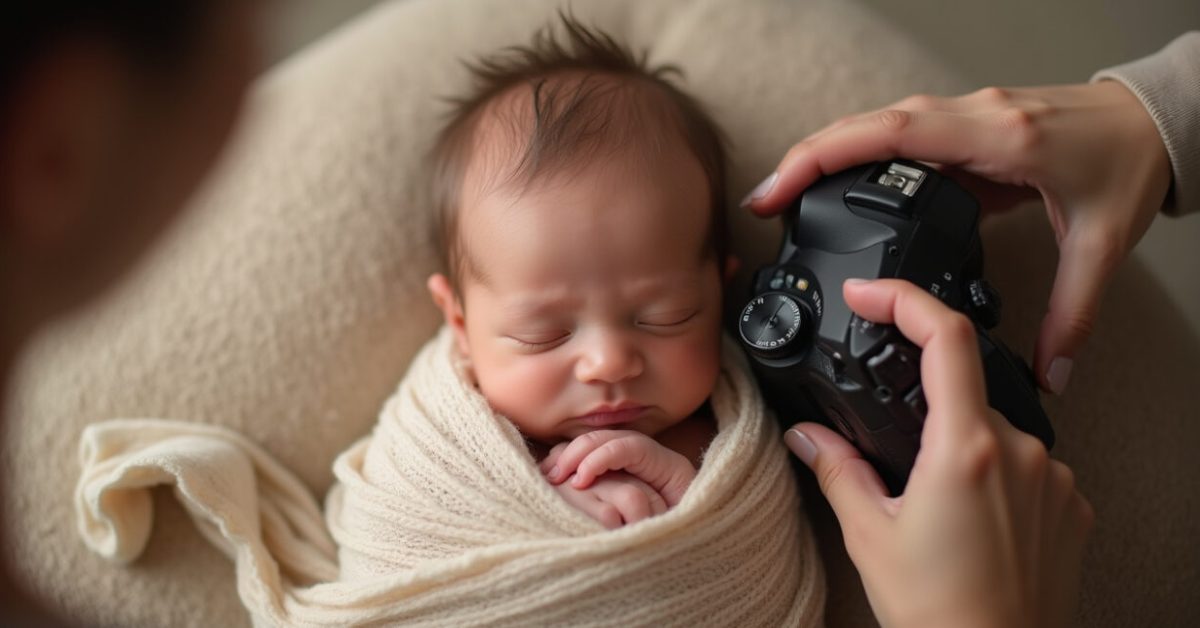

The minute you toggle a preset and a newborn photo flips from flat to cinematic, you stop scrolling. That instant Before After change can make a sleepy, pink-cheeked baby look like a magazine cover — or like a bad Instagram filter. This piece shows those visual turns fast, explains why presets do what they do, and gives quick fixes when a preset goes too far.
The Single Tweak That Makes Most Before After Leaps
One slider often creates the biggest jump: contrast. Crank contrast and highlights, and suddenly shadows deepen, skin texture pops, and the image gains drama. Reduce contrast and the photo breathes; it feels soft and newborn-friendly. But presets rarely adjust only contrast. They mix color balance, tone curve, and clarity. That cocktail is what produces the dramatic Before After viewers notice first.
How Color Shifts Rewrite the Mood (expectation Vs. Reality)
Expectation: a warm, golden glow that reads cozy. Reality: orange skin tones and mismatched whites. Presets alter hue and saturation in ways your eye registers before anything else. If a preset pushes warmth too far, tiny changes in white balance fix the whole photo. Watch how the same image can look like morning sunlight or an amber lamp simply by moving temperature and tint a few notches.

The Sharpness Trap: When Clarity Becomes Harsh
Sharpness and clarity can make details sing — or accentuate blemishes. Newborn skin is delicate. Over-sharpening shows pores, flaky skin, and stray hairs. In many Before After comparisons, the “after” screams photo-editing. A better move: apply sharpening selectively, use a low-radius mask, or reduce texture rather than clarity. The result keeps detail without stealing softness.
Common Preset Mistakes and How to Avoid Them
People love presets for speed, but speed makes room for mistakes. Here are the errors that wreck Before After results:
- Using a preset without checking white balance — leads to unnatural skin tones.
- Relying on a single global preset for different lighting setups.
- Pushing saturation or vibrance until colors clip.
- Over-sharpening newborn skin buffers texture into the wrong places.
- Ignoring exposure shifts that blow out tiny highlights like eyes or blankets.
Avoid these and the preset becomes a tool, not a trap.
The Quick Fixes That Rescue a Ruined Preset
When a preset goes too far, these three moves save most Before After disasters fast:
- Reset white balance first. Even small temperature changes correct skin.
- Lower clarity/texture and reduce global contrast by a few points.
- Use a local brush to recover skin highlights and eyes without changing the whole frame.
These steps take under a minute and restore a natural, newborn-friendly look.
A Surprising Comparison: Film Look Vs. Creamy Newborn Edit
Side-by-side, film presets and creamy newborn presets tell different stories. Film adds grain and often mutes color; it reads nostalgic and gritty. Creamy presets lift shadows, smooth texture, and warm midtones. The surprising part? The same shot can be equally “beautiful” either way, but it serves different emotions. The Before After you choose should match the feeling you want — not just the latest trend.
Mini-story: One Preset, One Lesson
She applied a trendy preset for baby photos and posted the “after.” Comments poured in — love and a few puzzled notes about the orange tint. Ten minutes later she corrected white balance, eased contrast, and reposted. The second “after” looked honest and soft. Engagement rose. The lesson: presets can launch a great edit, but small manual fixes win trust and shares.
For technical context, studies on image perception show that subtle color shifts change emotional response; see research from perception journals and industry briefs for deeper background. For safe editing practices in clinical or safety-sensitive photography, consult resources like the National Institutes of Health and photography curricula such as those at Rhode Island School of Design.
Before After moments are powerful. Use presets to get there faster — but stay in control. A few careful tweaks keep newborn photos tender, honest, and shareable.
Final Thought
If a preset makes a newborn look unreal, it’s easy to fix. The real skill is choosing presets that enhance the moment, not replace it. That choice shows — in a single Before After swipe.
What is a Preset and Why Does It Change Newborn Skin Tones?
A preset is a saved combination of editing settings—white balance, exposure, contrast, color curves, and more. When applied, it alters those settings across the whole image. Newborn skin is delicate and reflects light differently, so presets that shift temperature or saturation often change skin tones more noticeably than they do clothing or blankets. Correcting white balance and reducing saturation in midtones are quick fixes to bring skin tones back to natural while keeping the preset’s overall look.
How Can I Compare Before After Results Quickly Without Losing Originals?
Use non-destructive editing in apps like Lightroom or Capture One. They keep your original file intact and let you toggle the preset on and off. Create virtual copies or snapshots for multiple versions. When comparing, view at 100% for skin detail and at full frame for mood. Save versions with clear names (e.g., “PresetWarm_fixWB”) so you can revert or export the best option later. This workflow keeps originals safe while you experiment.

Which Preset Types Work Best for Newborn Photography?
Presets that emphasize soft highlights, low contrast, and subtle warmth tend to work best. Look for presets labeled “cream,” “soft,” or “natural light.” Avoid presets that boost clarity, add heavy grain, or apply strong color grading meant for landscapes or fashion. The best presets are subtle starting points: they speed up edits but require small local adjustments to keep skin tones and tiny textures looking real and gentle.
What Are Fast Steps to Fix an Over-processed Before After Photo?
Start with white balance—reduce temperature or shift tint toward natural skin. Next, reduce contrast and clarity slightly to recover softness. Use a local brush to lower highlights on skin and to brighten eyes. If colors look clipped, lower saturation in problem tones or use HSL sliders to target specific hues. These fixes are quick and often restore a natural look without undoing the creative intent of the preset.
Are Presets Safe to Use for Client Newborn Sessions?
Yes—if you treat them as starting points. Clients trust authentic images. Presets speed up workflow but should be reviewed per photo. Check skin tone, remove harsh shadows, and avoid dramatic color shifts that misrepresent skin. Keep a few reliable presets that match your style and lighting conditions. Communicate to clients that final retouching includes careful adjustments to ensure the baby’s skin and mood remain true to life.