

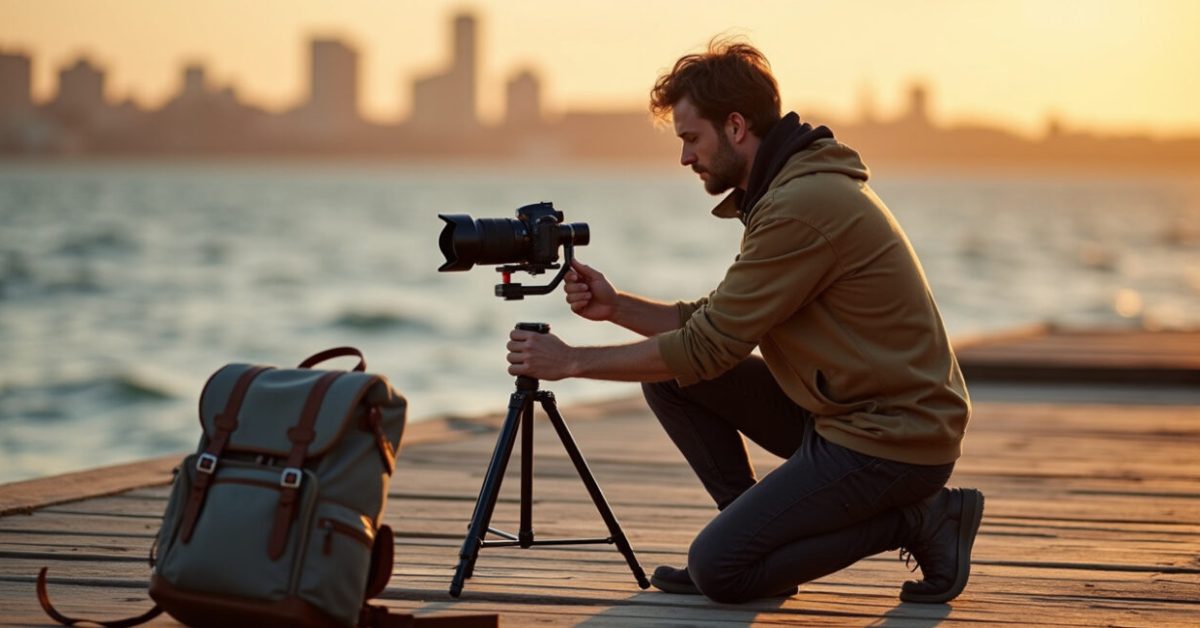

You tighten the camera strap, set the tripod, and realize the gimbal needs rebalancing — and you’re the only one around. That moment freezes more shoots than bad weather. If you travel alone, mastering a fast, safe solo setup for your gimbal is the difference between shaky clips and cinematic scenes that stop the scroll. This guide gives practical, quick methods to secure gear, balance fast, and run a gimbal solo so you get pro-looking footage without losing time or sleep.
Lock It First: The Quick Security Checklist That Keeps Gear in Your Hands
Securing your rig beats fancy moves every time. Before you balance or power the gimbal, lock the camera to the plate and use one-handed safety points. Attach a wrist strap or an anchor strap to the camera body, clip a small tether from the gimbal base to your belt, and use the camera plate screw tightened with a coin if you don’t have a coin driver. These simple steps stop the one-drop disaster and let you focus on balance and framing during a solo setup.
The 90-second Balance Routine That Actually Works
Balance isn’t mystical — it’s method. Use this repeatable routine and you’ll be ready in about a minute and a half. Mount the camera to the plate, set the camera to your intended lens and accessories, then adjust the tilt, roll, and pan axes in that order. Always balance with the lens and rigged accessories in place. If you swap a heavy lens after balancing, you must rebalance. Keep finger marks on each axis position as a quick reference for future solo setups.
How to Operate a Gimbal Solo and Still Get Cinematic Moves
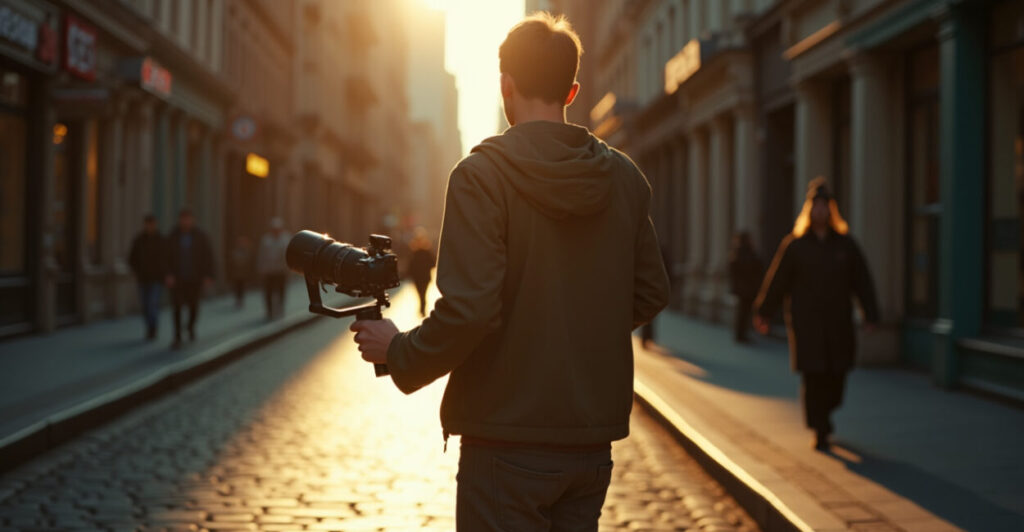
Cinematic motion is not about expensive tricks — it’s about controlled, steady choices. Work in short, planned passes: one push, one pull, one reveal. Use the gimbal’s follow modes but master manual nudges for slow speed changes. Keep your elbows tucked to your ribs and shift weight from toes to heels for smooth pans. Plan each move like a sentence: subject, verb, purpose. When traveling solo, less movement with more intention creates strong, shareable clips.
Safety Shortcuts on Location: Fast Anchor Points and Environmental Hacks
When you’re alone, your environment is an extra crew member. Use railing clamps, camera straps wrapped around fixed poles, or a backpack strap looped through the tripod foot as a quick anchor. If you shoot near cliffs or in crowds, create a visual safety zone with your tripod legs or a bright band on the ground. Fast anchors let you stabilize while adjusting settings or swapping batteries without setting the rig down. And yes, always check local rules — like those at the FAA or the National Park Service — before using gear in protected or restricted areas.
Expectation Vs. Reality: What Solo Setup Myths Cost You
Expectation: You can slap a camera on a gimbal and be done. Reality: Sloppy mounts and ignored balance waste time and risk damage. The cost? Lost shots, bruised gear, and time you can’t get back. Comparing before/after shows this clearly: before — hurried mount, wobble, ruined take; after — secured plate, balanced axes, clean first-take shot. Treat solo setup like a ritual. That five extra minutes upfront often saves an hour of fixes later.
Common Mistakes to Avoid When Mounting and Balancing Alone
People trip over the same errors. Here’s what to stop doing right now:
- Mounting the camera without tightening the plate screw fully.
- Balancing with a different lens or with batteries missing.
- Powering the gimbal before checking axis resistance.
- Ignoring a wrist strap or tether when working near edges.
- Overcomplicating moves instead of nailing a clean, simple pass.
Avoid these and your solo setup routine becomes reliable.
The One Mini-habit That Saved a Shoot (and How to Copy It)
I landed in a small coastal town at dawn with a packed kit and no assistant. My lens fogged, I had ten minutes before sunrise, and a cliff edge made putting gear on the ground reckless. I looped a camera strap around my belt, balanced the gimbal with the lens on, locked each axis, and shot a three-pass reveal. The footage ran 15 seconds in the final cut. The tiny habit — never setting a hot camera on loose surfaces — saved the moment and the kit.
How Quickly Should I Balance My Gimbal Between Lens and Accessory Changes?
Rebalance every time you change significant mass on the camera: lenses, batteries, cages, mics, or heavy filters. A small accessory like a lens hood may be ok, but anything that shifts the center of gravity needs attention. In practice that means you rebalance before each take if you swapped gear. Doing a 60–90 second balance check is faster than fixing drift in post and keeps your solo setup predictable and safe on location.
Can I Secure a Gimbal to a Tripod or Monopod When I’m Alone?
Yes. Use a quick-release plate and a locking clamp to secure the gimbal base to a tripod head. For monopods, loop a strap through the base and wrap it around your wrist or belt. The key is to use a mechanical lock, not just hand pressure. This gives you a stable platform for long moves or when swapping batteries, and it prevents a one-person setup from becoming a costly drop.
What’s the Fastest Way to Check Axis Resistance Before Powering a Gimbal?
With the camera mounted but the gimbal off, move each axis gently through its range. It should glide with light, even resistance and hold position without falling. If an axis slips or feels loose, tighten the corresponding slide or screw. This quick manual check takes less than 30 seconds and avoids motors straining when powered, improving battery life and protecting the motors during your solo setup.
Which Straps or Tethers Work Best for Solo Setups in Crowded Areas?
Choose a wrist strap with a locking loop for constant backup and a short tether with a carabiner for gear anchoring. Use a thin but strong braided tether to attach the camera to your belt or bag. Bright-colored straps also act as visual markers in crowds. The goal is redundancy: a primary wrist strap plus a secondary anchor reduces risk when you have to move quickly or when the environment is unpredictable during a solo setup.
How Do I Keep My Shots Cinematic While Working Alone and Fast?
Plan short, intentional moves and prioritize consistency. Pick one lens, lock your exposure, and map three passes: an establishing push, a mid reveal, and a detail shot. Keep movements slow and controlled; speed comes from planning, not frantic pans. Practice transitions from walk to stabilize and use follow modes sparingly. This approach makes your solo setup efficient and ensures every clip looks deliberate and cinematic, even when you’re the only crew member.